Burpsuite / Tutorials
Using Burp Suite with Firefox
Configuring Firefox to use Burp Suite, with screenshots of the proxy settings.
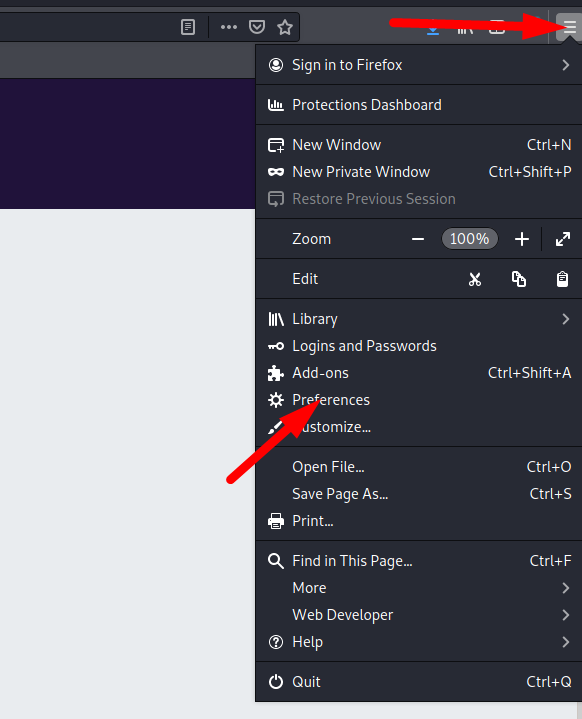
First, open Firefox and follow the steps shown in the screenshots below.
Select the “General” tab, find the “Network Proxy” settings, and click “Settings”.
Select “Manual proxy configuration”.
Enter the Burp Proxy listener address in the “HTTP Proxy” field. The default address is 127.0.0.1.
Next, enter the Burp Proxy listener port in the “Port” field. The default is 8080. Make sure “Use this proxy server for all protocols” is selected.

It is ready to use.